Chat Transcripts
A fenced code block with the language chat renders as a conversation: one
speech bubble per message, each speaker in their own colour, some speakers on
the right. It is rendered on the server into plain HTML and CSS, so it works in
static builds, in QuickLook previews and with JavaScript off.
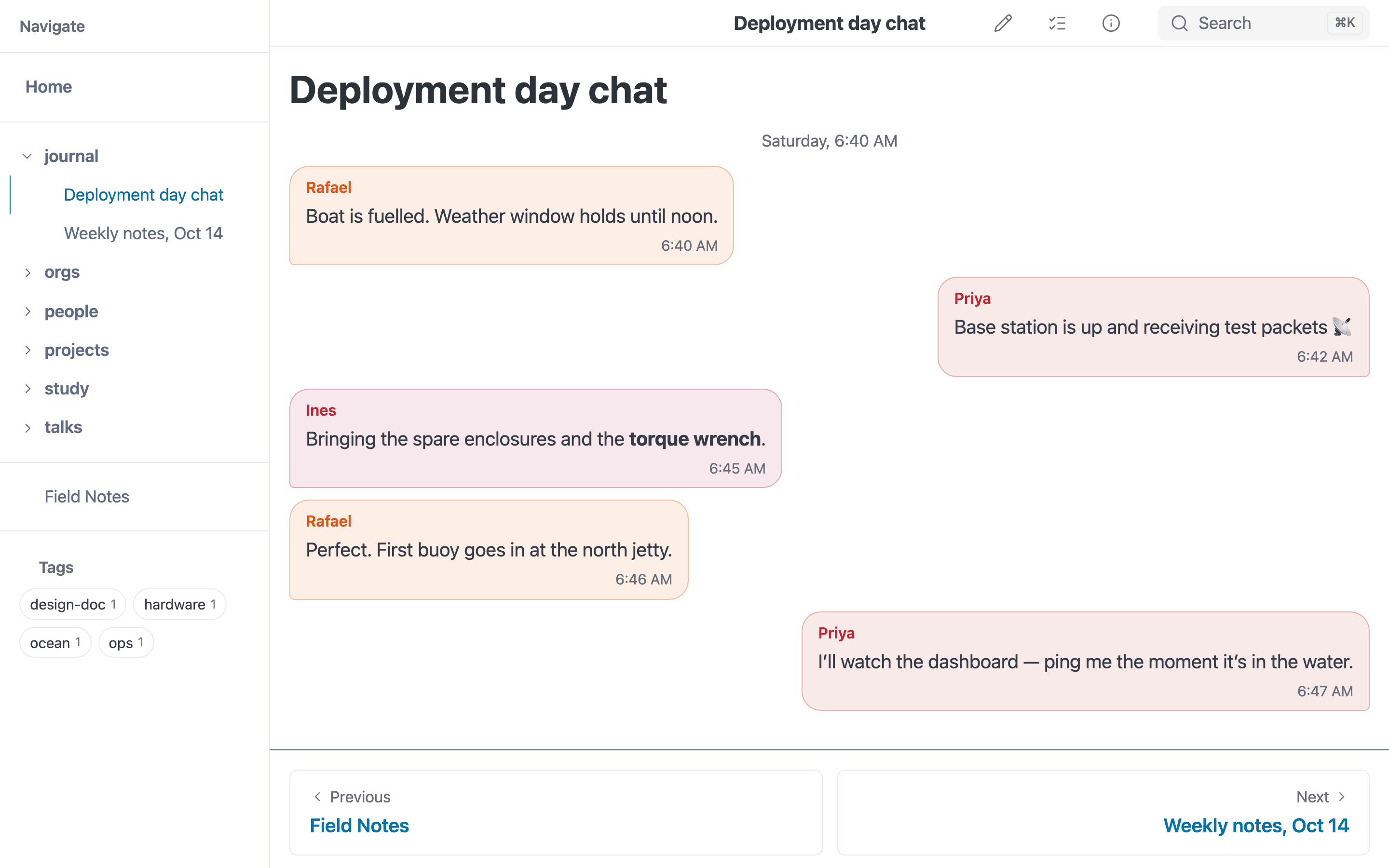
A chat block rendered as speech bubbles.
The syntax is the chat format of the Obsidian
Chat View plugin, so notes
written for it render here without changes. Renderers that know nothing about
it (GitHub, a plain markdown viewer) show the raw code block, which still reads
as a transcript.
Live Example
```chat
> Bob
# Monday, 9:02 AM
{{Alice|Did you see the [release notes](../modes/build.md)?|9:02 AM}}
{{Bob|Not yet. Anything **breaking**?|9:03 AM}}
{{Alice|Nothing breaking. Two things worth knowing:

1. builds are faster
2. `--fail-on-broken-links` is new
|9:04 AM}}
{{|And [[tasks|the task docs]] are updated.|9:04 AM}}
...
Bob went to read them. This line is ordinary markdown between bubbles.
{{Bob|Looks good 👍|9:30 AM}}
```
Did you see the release notes?
Not yet. Anything breaking?
Nothing breaking. Two things worth knowing:
- builds are faster
--fail-on-broken-linksis new
And the task docs are updated.
Bob went to read them. This line is ordinary markdown between bubbles.
Looks good 👍
Syntax
Every construct starts at the beginning of a line.
| Line | Meaning |
|---|---|
{{Name|message|subtext}} | A message from Name, with subtext (usually a time) under it |
... | A divider across the conversation |
# text | A centred note outside the bubbles |
> Name, Other Name | These speakers’ bubbles go on the right |
^ Name | These speakers’ bubbles go in the centre |
| anything else | Ordinary markdown, shown between the bubbles |
Messages
- Any part may be empty.
{{Alice|Hi|}}has no subtext;{{|More|}}has no name. - No name, or the same name again, continues the previous speaker: same side, same colour, no repeated name label, tucked up under the last bubble.
- A message may span lines. It ends at the first line that ends in
|subtext}}, so a body can hold paragraphs, lists, quotes and code. - Bodies are full markdown, rendered exactly as they would be anywhere on
the page: relative links and
[[wikilinks]]resolve against the page, images and videos embed, and the links count as backlinks and are checked like any other. - A literal
|in a name or subtext is not possible; in a body, write\|. A|inside a body is fine as long as it is not the last one before}}—[[Note|alias]]works.
Colours and sides
Each speaker gets one of eight colours, picked from their name, so a person
keeps their colour from note to note. The colours adapt to light and dark
themes. Override --mbr-chat-c0 through --mbr-chat-c7 in .mbr/user.css to
change the palette.
Alignment lines may appear anywhere in the block, even after the messages they affect, and list names separated by commas. Speakers not listed are on the left.
Compatibility with Obsidian Chat View
| Feature | mbr |
|---|---|
chat blocks (2.x syntax) | Supported |
Messages, ..., # comments, > and ^ alignment | Supported |
| Markdown in message bodies | Supported |
| Lines that match nothing | Rendered as markdown (the plugin drops them) |
A > quote inside a message body | Stays a quote (the plugin also treats it as an alignment line) |
1.x configuration lines ([Name=color], {mw=60, mode=minimal}) | Silently ignored, so old notes do not show stray config |
| Per-speaker colours from configuration | Not supported — colours come from the name |
chat-old, chat-webvtt, chat-zendesk, chat-intercom blocks | Not supported; shown as ordinary code blocks |
Things to know
- Headings inside a message render, but are left out of the page’s table of contents and get no anchor id — a bubble is not a section of the document.
- Task checkboxes inside a message render as plain, read-only boxes. The
Task Browser does not look inside code blocks, so a task there
could not be found or toggled anyway. A
TODO:inside a message is highlighted but is not listed in the Task Browser, for the same reason. - Moving or renaming a note through mbr’s editor does not find links that appear only inside a chat block, because the link finder skips code blocks.
- Reference-style links (
[text][ref]) in a body only resolve when the[ref]: urldefinition is in the same message.
Monday, 9:02 AM